

Choose the view for the data shape
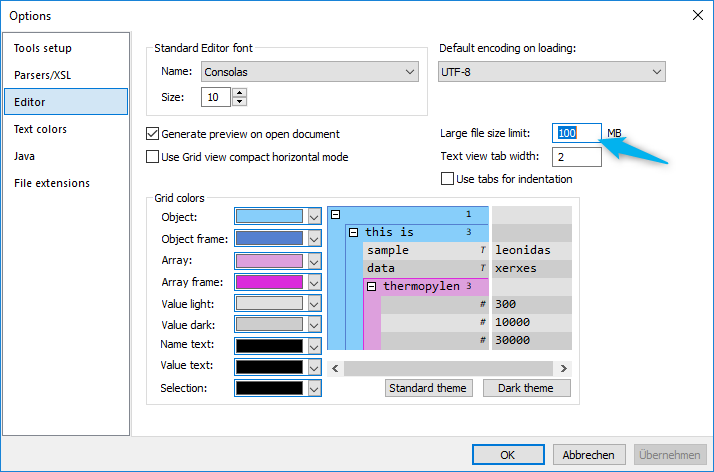
Grid presentation can be useful for structural inspection, but wide or deeply nested large data can demand substantial processing. Start with a text-oriented view when the task is to browse, search, or diagnose a large document, and only switch to a structured view when it remains responsive for the required work.
Test the current large-file behavior
- Set the intended default view in the current editor settings.
- Open a representative large file and record the selected view and observed behavior.
- Use a smaller disposable sample before changing any limit or view option.
- Validate or process the final output with an appropriate large-data workflow.
The historical Help names a megabyte threshold and edition-specific capability. Confirm current view names, thresholds, licensing, memory behavior, and editing support before publishing a performance expectation.