Open and browse very large files
Use the large-file view to inspect multi-gigabyte JSON or text documents while loading only the content needed for the current view.

Edit very large JSON files
Inspect, validate, browse, and edit JSON content with millions of lines while keeping large-data work separate from ordinary document editing.
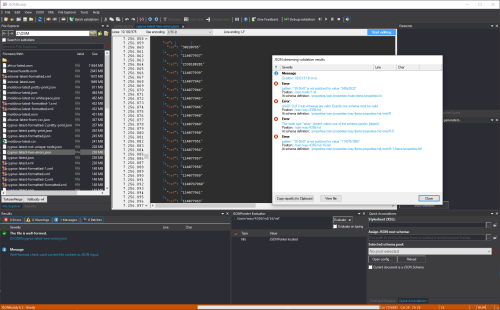
Outcome and workflow
Large files need more than a larger text box. JSONBuddy combines a large-file viewer, targeted editing, fast text search, well-formedness checks, JSON Pointer evaluation, formatting, and streaming schema validation so each operation can use an appropriate mode.
Use the large-file view to inspect multi-gigabyte JSON or text documents while loading only the content needed for the current view.
Move by line number, search for text, or resolve the JSON Pointer path reported by validation to reach the relevant value without scanning the complete file.
Make focused corrections, pretty-print or minify large input, and continue into JSON/XML conversion when the result needs a different representation.
Capabilities by workflow
Open and browse files, check JSON well-formedness, format large input, and run command-line server or batch tasks.
Edit large documents and use the validation debugger while developing and correcting schemas.
Apply the large-data JSON Schema validator from the desktop or command line when the document should not be handled as an ordinary in-memory editor task.
The existing page separates Standard, Plus, and Large Data capabilities. Verify the current package names and exact entitlement boundaries before publication.
Performance evidence
The established page records SSD loading and streaming-validation examples for 238 MB, 484 MB, and 811 MB documents on a mid-range desktop. Preserve the useful methodology, but rerun every result against the release candidate.