Validate in streaming mode
Run well-formedness or JSON Schema checks while processing the input as a stream. The established implementation is designed for a steady memory footprint during a typical validation check.
Explore batch validation
Validate and process large JSON
Use a deliberate workflow for very large JSON documents: validate the data, inspect actionable diagnostics, navigate the structure, and choose an editor or command-line path for the next task.
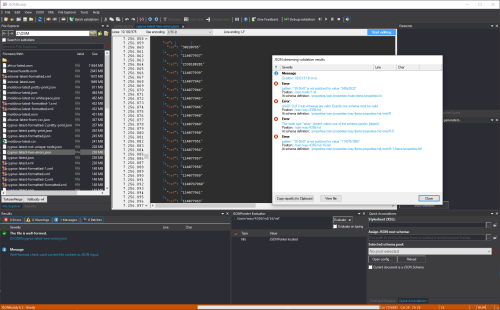
Validate, analyze, and continue
Ordinary editors and in-memory validators can become impractical when input grows from a few megabytes to hundreds of megabytes or more. The large-data workflow keeps validation, analysis, navigation, and the next action visible without pretending that every file belongs in the same editor mode.
Run well-formedness or JSON Schema checks while processing the input as a stream. The established implementation is designed for a steady memory footprint during a typical validation check.
Explore batch validationGenerate a JSON Schema from large input to inspect the properties, types, and structures actually present in the data.
Explore schema analysisUse line information and JSON Pointer paths from the validation report to return to the relevant value in the large-file viewer or editor.
Explore the large JSON editorA typical workflow
The original page includes 100 MB and multi-GB examples, but file size, storage, schema complexity, keywords, hardware, and product version all affect the result. Publication claims must use a reproducible measurement record.
What is included?
The established Large Data package combines an interactive Windows environment for viewing, schema design, testing, and targeted editing with a command-line tool for server, batch, and automated validation tasks.