

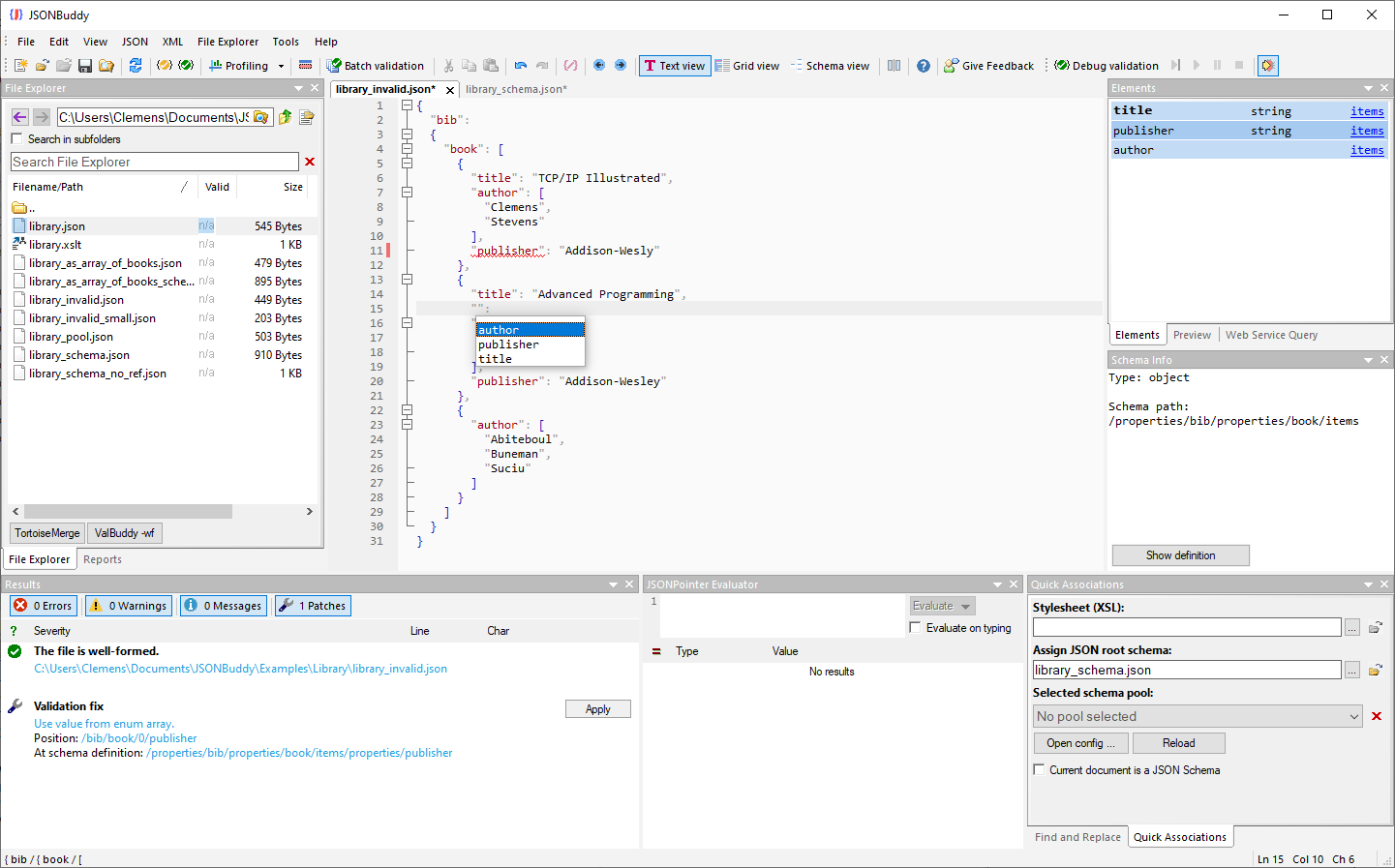
The supplied read-only Help source documents this task. Confirm editor-tab labels, auto-completion, well-formedness commands, shortcuts, and output behavior in the current Windows build.
Edit JSON with a small review loop
- Open the JSON document in the current text-editor view.
- Make one deliberate change, keeping the surrounding object or array in view.
- Run a well-formedness check before treating the edit as complete.
- When a schema applies, validate against the intended associated schema as a separate step.
The retained Help describes syntax coloring, auto-completion, background validation, copy/paste, and find/replace. Confirm their current scope before assuming they prevent a data or contract error.
Use formatting and navigation aids carefully
Pretty-printing can make nested structure easier to read; compacting removes layout whitespace. Neither operation proves JSON Schema conformance. The historical Help also describes a JSON Pointer evaluator and unescaping behavior. Verify selection handling and the current command semantics with a disposable sample before changing a production document.
Review diagnostics and save deliberately
Inspect the reported JSON location and schema location when validation fails, correct the appropriate data or rule, then retest known valid and invalid examples. Keep the source document until the saved result is reviewed. For several files, start from the File Explorer view; for structural edits, use the JSON grid editor.
Continue with schema-aware editing
Use the JSON Schema editor when authoring the contract, the JSON pretty-print task for formatting, or the JSON editor overview for the wider Windows workflow.