

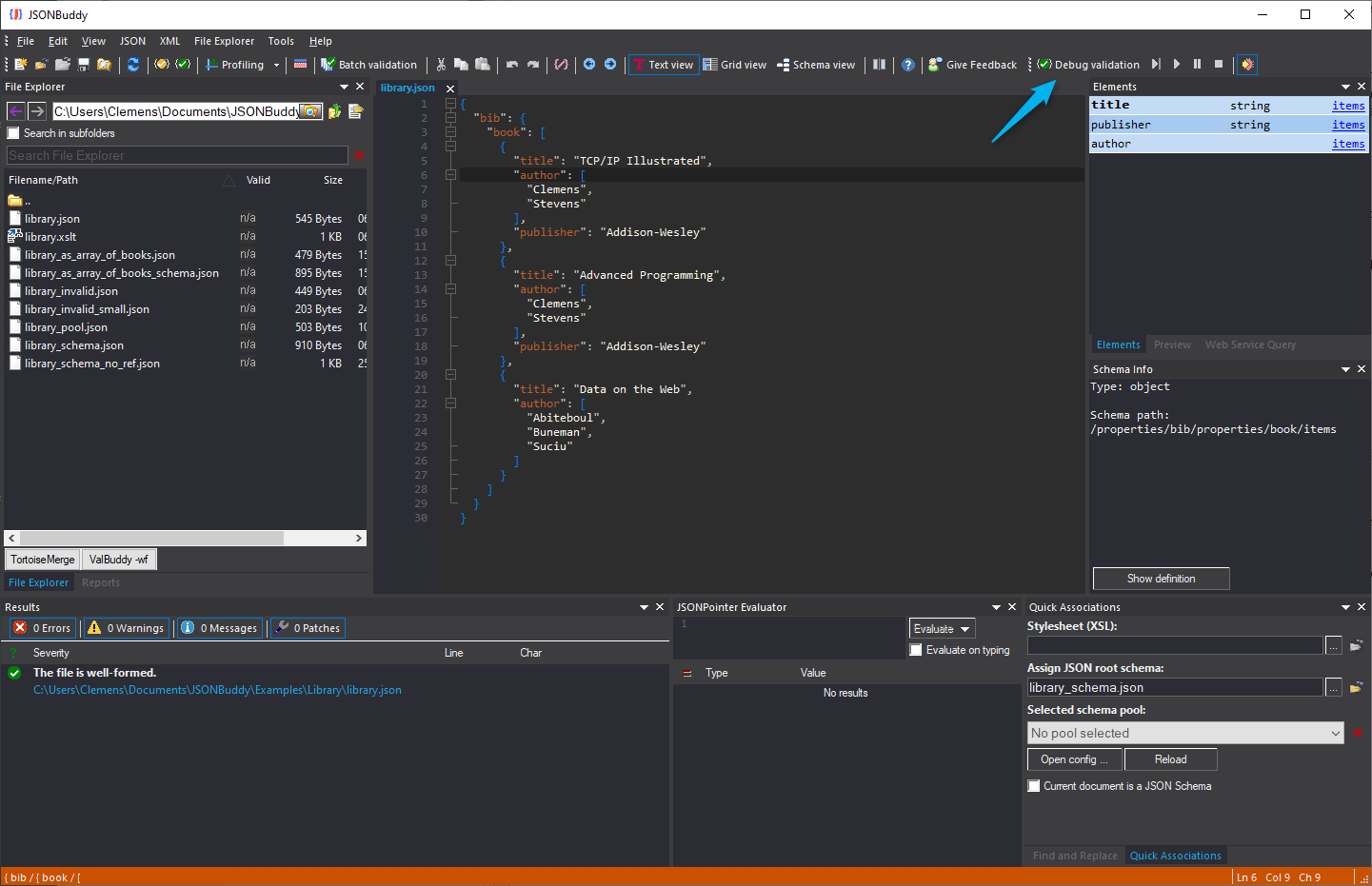
The supplied read-only Help source documents this task. Use this as a task framework, then verify the available debugger controls, breakpoint behavior, referenced-schema handling, and restart requirements in the current Windows release.
Prepare a small reproducible validation case
- Choose representative JSON data, the intended root JSON Schema, and every referenced schema resource needed for the case.
- Run ordinary validation first and keep the resulting diagnostic context.
- Reduce the example only when it still demonstrates the same unexpected validation behavior.
Inspect schema and instance context
Follow the diagnostic from the JSON instance location to the applicable schema location. Check which schema resource is in use, whether a reference resolves as intended, and whether the failing branch represents the rule you actually meant to test.
Use the debugger deliberately
Start a debugging session only after the case is repeatable. Historical production evidence describes stepping and breakpoints across root and referenced schemas, but current labels and execution behavior are release-sensitive. Restart the debugger after a schema change when the current build requires it, then compare the new result with the preserved case.
Verify the correction
Do not stop when one diagnostic disappears. Retest an expected-valid example and an expected-invalid example, then preserve the cases in a schema-test workflow where appropriate.