

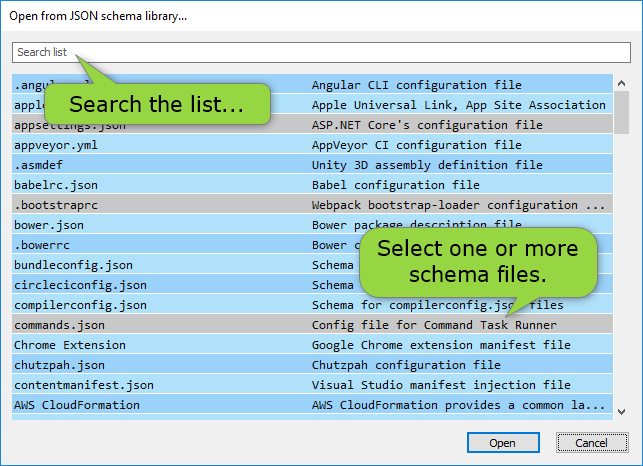
Current-build check
The supplied read-only Help source documents this task. Confirm library refresh behavior, available schemas, command labels, and sample-generation behavior in the current Windows build.
Open a library schema
- Use the current command for opening a JSON Schema from the library.
- Choose a schema whose purpose and publisher match the data you need to validate.
- Inspect the schema before assigning it to production data.
Verify before adoption
The historical Help describes a library updated from SchemaStore, generated sample data, and analyzer feedback. Treat all three as release-sensitive evidence: verify the retrieved schema, its draft and references, and any generated sample before relying on it. Continue with the JSON Schema editor or the JSON Schema analyzer when a closer review is needed.